Remote Desktop
Most likely, you won’t need more than JupyterLab. But if you do need a full-on desktop (maybe for some heavy-duty software you need to run), it’s super easy to spin one up. You can launch a single desktop, or even a cluster!
How to launch it
Go to the Great Lakes web interface and navigate to “My Interactive Sessions”. You’ll see something like below.
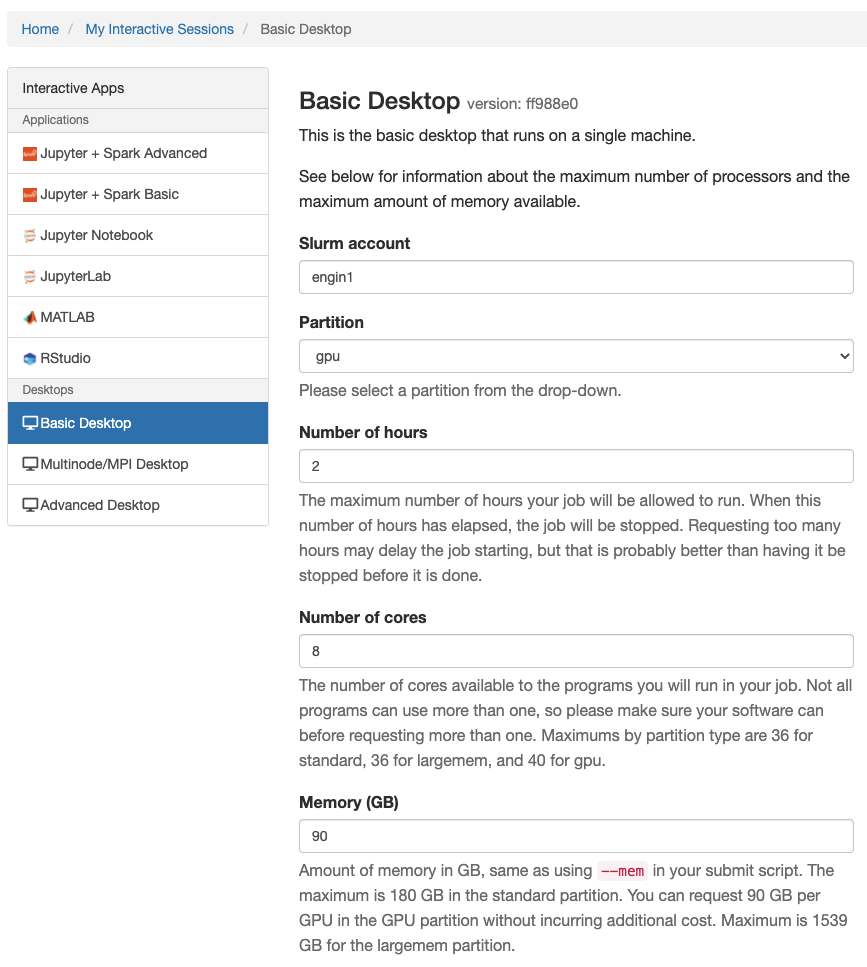
Use Basic Desktop to launch a single machine. Use Multinode/MPI Desktop to launch a cluster. If you want more options, you can use Advanced Desktop. All the configuration options are pretty self-explanatory. Simply scroll down to the bottom of the page and click the launch button.